Meta Description
Discover the best free Windows software in 2026 for productivity, security, editing, and everyday tasks. Improve your PC experience with these useful and powerful free tools.
Introduction
Windows computers are used by millions of people around the world for work, gaming, study, and entertainment. In 2026, software plays a huge role in improving productivity and making daily tasks easier. The good news is that many powerful Windows applications are completely free.
Whether you are a student, freelancer, gamer, blogger, or office worker, free Windows software can help you save time, improve performance, and organize your work more efficiently.
From security tools and video editors to file managers and productivity apps, there are many useful programs every PC user should know about.
In this article, we will explore the top free Windows software everyone should use in 2026.
Why Free Windows Software Is Important
Free software allows users to access powerful tools without spending money.
People prefer free Windows applications because they:
- Save money
- Improve productivity
- Enhance PC performance
- Increase security
- Simplify daily tasks
Many free programs now offer features that were once only available in premium software.
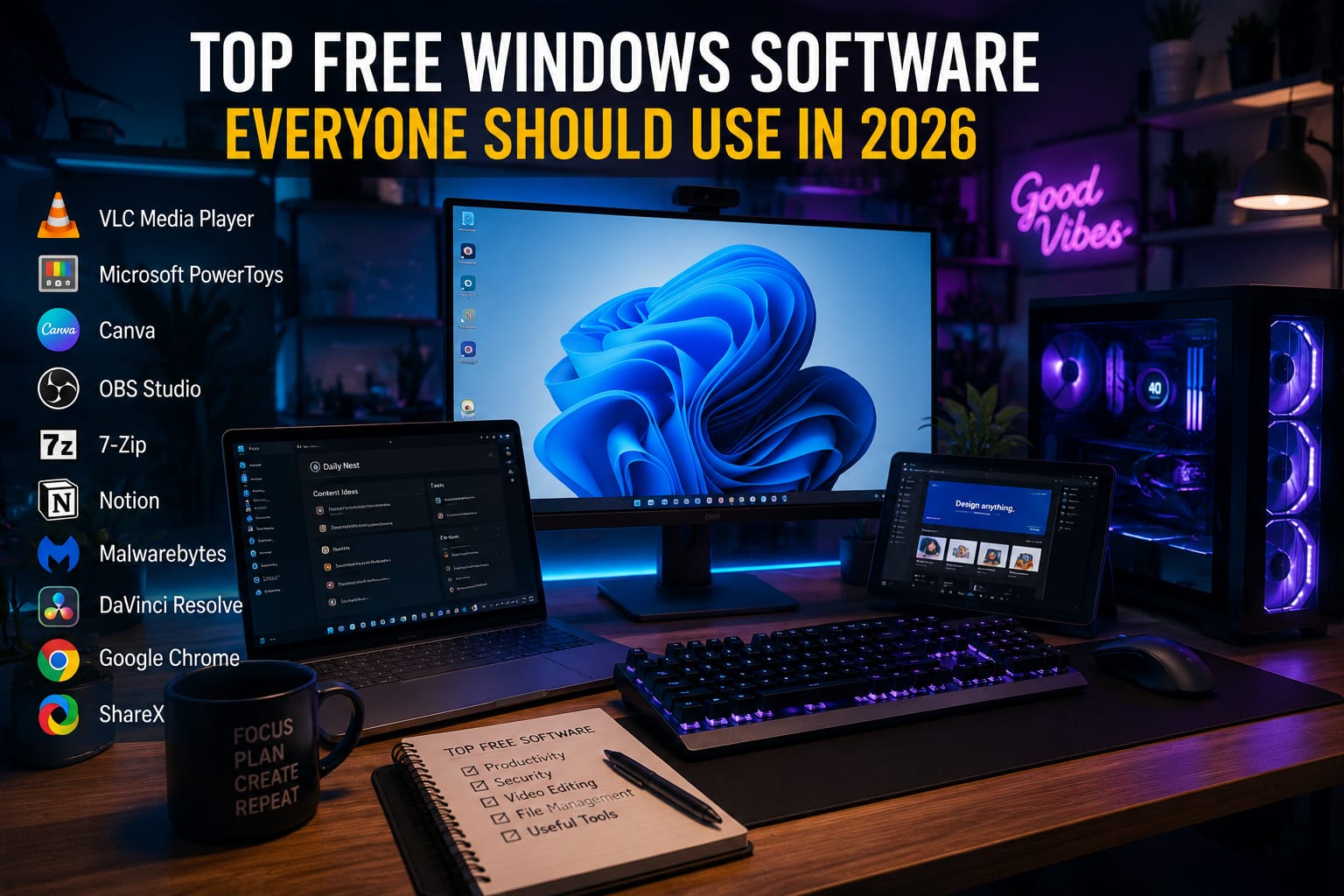
1. VLC Media Player
VideoLAN created VLC Media Player, one of the most popular free media players.
Features
- Supports almost every video format
- Lightweight software
- Subtitle support
- Audio and video streaming
Why Users Love It
VLC works smoothly even on older computers and does not require extra codecs.
Best For
Watching movies, videos, and music playback.
2. Microsoft PowerToys
Microsoft developed PowerToys to improve the Windows experience.
Features
- Window management tools
- Keyboard shortcuts
- File preview options
- Productivity improvements
Advantages
- Improves multitasking
- Boosts workflow
- Easy customization
Best For
Students, professionals, and multitaskers.
3. Canva Desktop App
Canva offers a useful desktop app for graphic design.
Features
- Social media graphics
- Presentations
- Posters
- AI design tools
Why It Is Popular
Even beginners can create professional designs quickly.
Best For
Content creators and bloggers.
4. OBS Studio
OBS Project created OBS Studio, one of the best free recording software tools.
Features
- Screen recording
- Live streaming
- Audio mixing
- Video capture
Advantages
- Professional quality
- Completely free
- Customizable settings
Best For
YouTubers, gamers, and streamers.
5. 7-Zip
7-Zip is one of the best free file compression tools.
Features
- File compression
- ZIP and RAR support
- Password protection
- Lightweight software
Why Users Prefer It
It is simple, fast, and works very efficiently.
6. Notion
Notion helps users organize work and projects.
Features
- Task management
- Notes
- Content planning
- Team collaboration
Best For
Students, bloggers, and freelancers.
7. Malwarebytes Free
Malwarebytes provides excellent malware protection.
Features
- Virus scanning
- Malware removal
- Threat detection
Why It Matters
Cybersecurity is becoming increasingly important in 2026.
8. DaVinci Resolve
Blackmagic Design developed DaVinci Resolve, a powerful free video editing software.
Features
- Professional video editing
- Color correction
- Audio editing
- Visual effects
Advantages
- High-quality editing tools
- Professional features
- Free version available
Best For
Video creators and editors.
9. Google Chrome
Google continues to dominate the web browser market.
Features
- Fast browsing
- Extension support
- Sync across devices
- Security updates
Best For
Daily internet browsing and online work.
10. ShareX
ShareX is a powerful screenshot and screen recording tool.
Features
- Screenshot capture
- Screen recording
- GIF creation
- Productivity shortcuts
Best For
Bloggers, developers, and content creators.
Best Software for Students
Students should focus on software that improves productivity.
Recommended tools:
- Notion
- Canva
- VLC
- PowerToys
These apps help with organization, studying, and presentations.
Best Software for Content Creators
Creators benefit from:
- OBS Studio
- Canva
- DaVinci Resolve
- ShareX
These tools support video editing, streaming, and design work.
Best Software for Security
Cyber threats are growing rapidly.
Useful security software:
- Malwarebytes
- Browser security extensions
- Password managers
Keeping your PC secure is very important in 2026.
Why Windows Software Keeps Improving
Technology companies continue improving software because users demand:
- Faster performance
- Better security
- AI features
- Easy user interfaces
Artificial intelligence is also making many Windows applications smarter and more efficient.
Conclusion
Free Windows software in 2026 is more powerful and useful than ever before. Whether you need productivity apps, security tools, media players, or video editing software, there are many excellent free options available.
Programs like VLC, OBS Studio, Canva, Notion, and DaVinci Resolve can greatly improve your daily computer experience without costing money.
Choosing the right software can help you work smarter, stay organized, and increase productivity in both personal and professional life.
About the Author