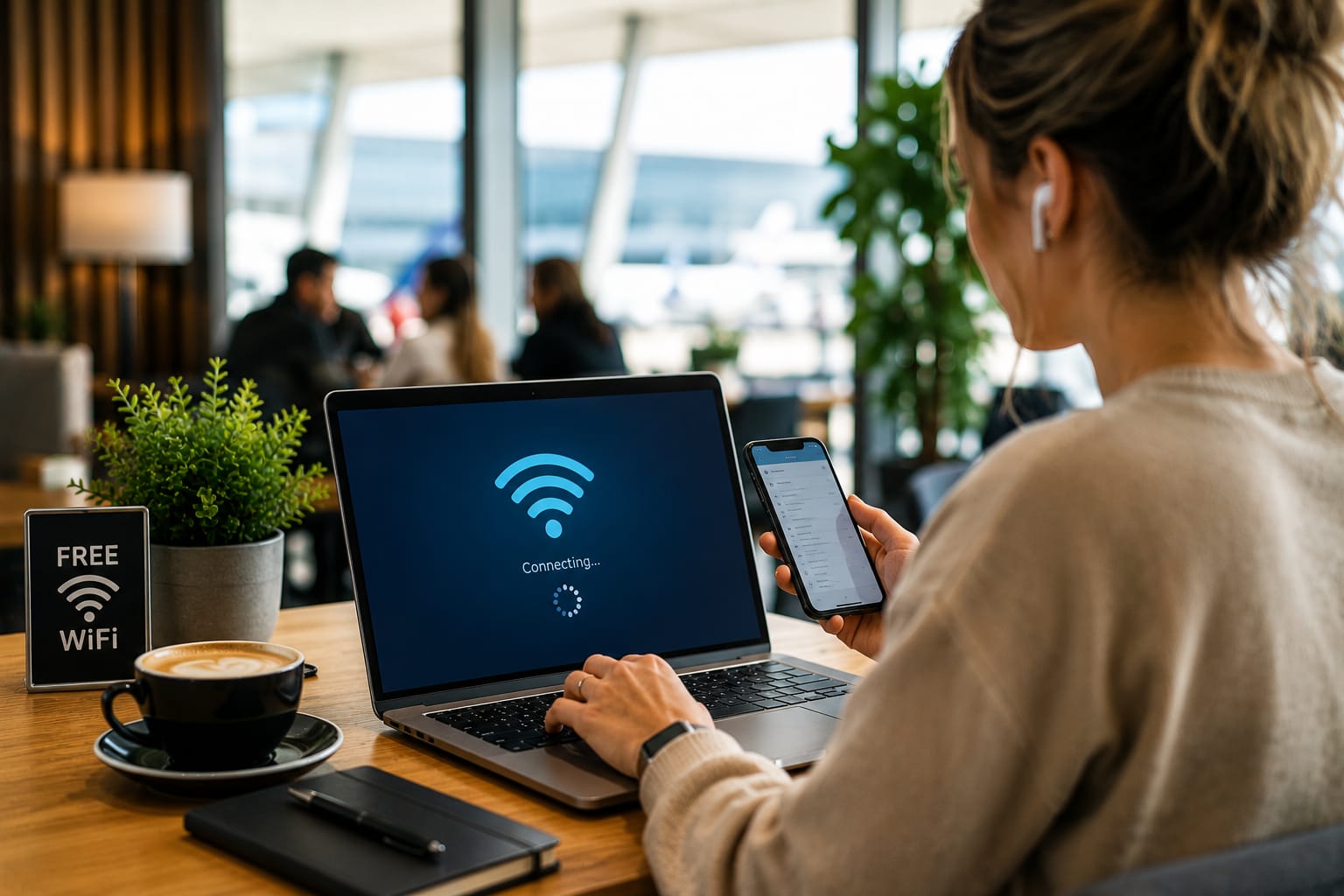
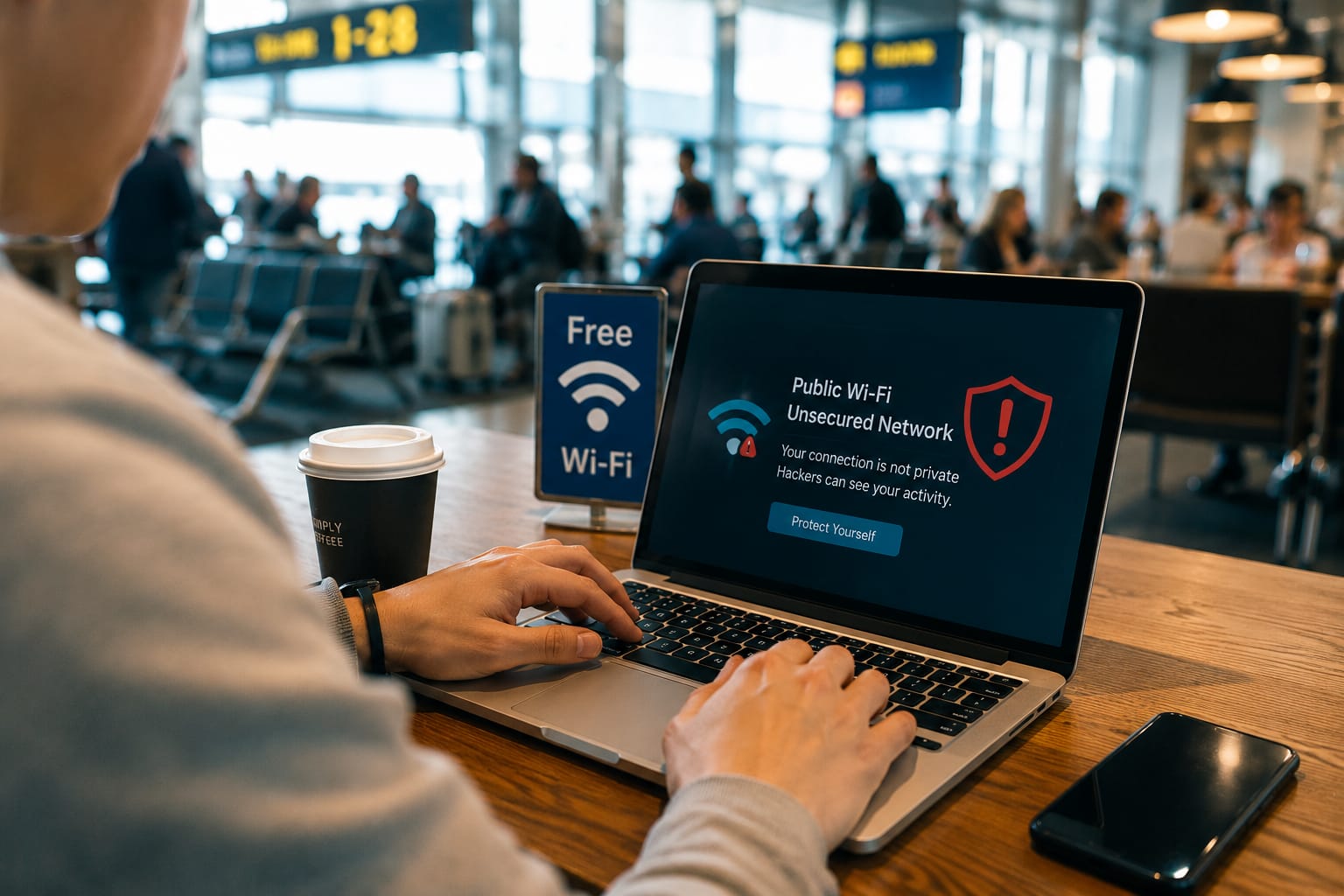
Free public Wi-Fi may be convenient, but it can expose users to cyber threats, fake networks, and data theft if proper security precautions are not taken.
Introduction
Free public Wi-Fi is everywhere.
Whether you’re sitting in a coffee shop, waiting at an airport, staying in a hotel, or relaxing in a shopping mall, connecting to free internet has become a normal part of daily life.
For many people, public Wi-Fi is convenient and often feels harmless.
Unfortunately, cybercriminals know this.
Despite major advances in cybersecurity, public Wi-Fi remains one of the most common ways users expose their personal information to unnecessary risks. Many people assume modern devices automatically protect them, but attackers continue finding new ways to exploit insecure networks and careless browsing habits.
The simple answer is this:
Public Wi-Fi remains dangerous because attackers can intercept data, create fake networks, steal login credentials, and monitor online activity if proper precautions are not taken.
Understanding these risks can help you stay safe while using public internet connections in 2026.
What Is Public Wi-Fi?
Public Wi-Fi refers to internet networks available for public use.
Common examples include:
- Coffee shops
- Restaurants
- Airports
- Hotels
- Shopping centers
- Libraries
- Public transportation hubs
Most public networks are designed for convenience rather than security.
This makes them attractive targets for cybercriminals.
Why Public Wi-Fi Remains a Security Risk
Many users believe cybersecurity improvements have eliminated most public Wi-Fi dangers.
Unfortunately, that’s not true.
Attackers continue using both old and new techniques to target unsuspecting users.
1. Fake Wi-Fi Networks
One of the most common attacks involves creating fake Wi-Fi hotspots.
A cybercriminal may create a network with a name similar to:
- Airport Wi-Fi
- Hotel Guest Network
- Coffee Shop Internet
Users unknowingly connect to the fake network, allowing attackers to monitor activity.
Because the network appears legitimate, many people never realize they’ve connected to the wrong one.
2. Data Interception
When information travels across an unsecured network, attackers may attempt to intercept it.
Depending on the circumstances, this could expose:
- Login credentials
- Email activity
- Personal messages
- Browsing information
While modern websites use encryption, insecure browsing habits still create risks.
3. Man-in-the-Middle Attacks
A man-in-the-middle attack occurs when an attacker secretly positions themselves between a user and the website or service being accessed.
Instead of communicating directly with the intended service, data passes through the attacker first.
This can allow monitoring, manipulation, or theft of information.
4. Malware Distribution
Public networks can sometimes be used to spread malicious software.
Attackers may attempt to:
- Deliver infected downloads
- Exploit software vulnerabilities
- Trick users into installing harmful applications
Once installed, malware can compromise devices and sensitive information.
5. Session Hijacking
Many websites keep users logged in through active sessions.
Cybercriminals may attempt to steal session information and gain unauthorized access to accounts.
In some cases, this allows attackers to bypass passwords entirely.
Common Information Attackers Want
Cybercriminals often target:
- Email accounts
- Social media profiles
- Banking information
- Online shopping accounts
- Business credentials
- Personal documents
Even seemingly minor information can be valuable when combined with other stolen data.
Why Travelers Are Frequent Targets
Travelers often rely heavily on public Wi-Fi.
Common situations include:
- Airports
- Hotels
- Conference centers
- Tourist locations
Because travelers frequently need internet access quickly, they may connect without verifying network legitimacy.
Attackers know this and often focus on high-traffic locations.
Warning Signs of Risky Public Wi-Fi
Pay attention to:
Suspicious Network Names
Networks with misspellings or unusual variations may be fake.
No Password Protection
Open networks often present greater risks.
Unexpected Login Pages
Be cautious when a network requests unusual information.
Frequent Disconnects
Repeated connection issues can sometimes indicate malicious activity.
How to Stay Safe on Public Wi-Fi
Fortunately, protecting yourself is easier than many people think.
Use a VPN
A Virtual Private Network (VPN) encrypts internet traffic.
This makes it significantly harder for attackers to monitor activity.
For frequent travelers, a VPN is one of the most valuable security tools available.
Avoid Accessing Sensitive Accounts
Try not to access:
- Online banking
- Financial services
- Sensitive work systems
while connected to public networks.
If possible, wait until you are using a trusted connection.
Verify Network Names
Always confirm the correct network name with staff before connecting.
This reduces the risk of joining fake hotspots.
Keep Software Updated
Software updates often contain important security fixes.
Regular updates help protect devices from known vulnerabilities.
Enable Multi-Factor Authentication
Multi-factor authentication adds an additional layer of protection.
Even if credentials are compromised, attackers may still be unable to access accounts.
Turn Off Automatic Wi-Fi Connections
Many devices automatically reconnect to previously used networks.
Disabling this feature reduces exposure to fake hotspots.
Mobile Data vs Public Wi-Fi
Whenever possible, mobile data is often safer than public Wi-Fi.
Advantages include:
- Stronger encryption
- Greater control
- Reduced exposure to shared networks
For sensitive activities, mobile data may be the better choice.
The Role of AI in Cyber Attacks
Artificial intelligence is changing cybersecurity.
Unfortunately, both defenders and attackers are using it.
Cybercriminals increasingly leverage AI to:
- Create convincing phishing pages
- Automate attacks
- Identify vulnerabilities faster
This makes awareness and good security habits even more important.
Public Wi-Fi Safety Checklist
Before connecting, ask yourself:
✅ Is this the official network?
✅ Is my VPN enabled?
✅ Is my device updated?
✅ Do I need to access sensitive information?
✅ Is multi-factor authentication enabled?
A few seconds of caution can prevent major security problems.
FAQ
1. Is public Wi-Fi safe in 2026?
Public Wi-Fi can be used safely if proper precautions are taken, but risks still exist.
2. What is the biggest danger of public Wi-Fi?
Fake networks and data interception remain among the most common threats.
3. Should I use online banking on public Wi-Fi?
It is generally safer to avoid accessing financial accounts on public networks.
4. Does HTTPS make public Wi-Fi completely safe?
No. HTTPS improves security but does not eliminate every risk.
5. Is a VPN worth using on public Wi-Fi?
Yes. A VPN provides additional encryption and improves privacy.
Conclusion
Public Wi-Fi offers convenience, but convenience should never come at the expense of security.
In 2026, cybercriminals continue targeting users through fake hotspots, data interception, malware distribution, and account theft. While technology has improved, public networks still require caution.
The good news is that a few simple habits—using a VPN, verifying network names, enabling multi-factor authentication, and avoiding sensitive transactions—can dramatically reduce risk.
The next time you connect to free Wi-Fi, remember that protecting your information is just as important as getting online.
Related Resources
Yentice
https://yentice.me/
About the Author