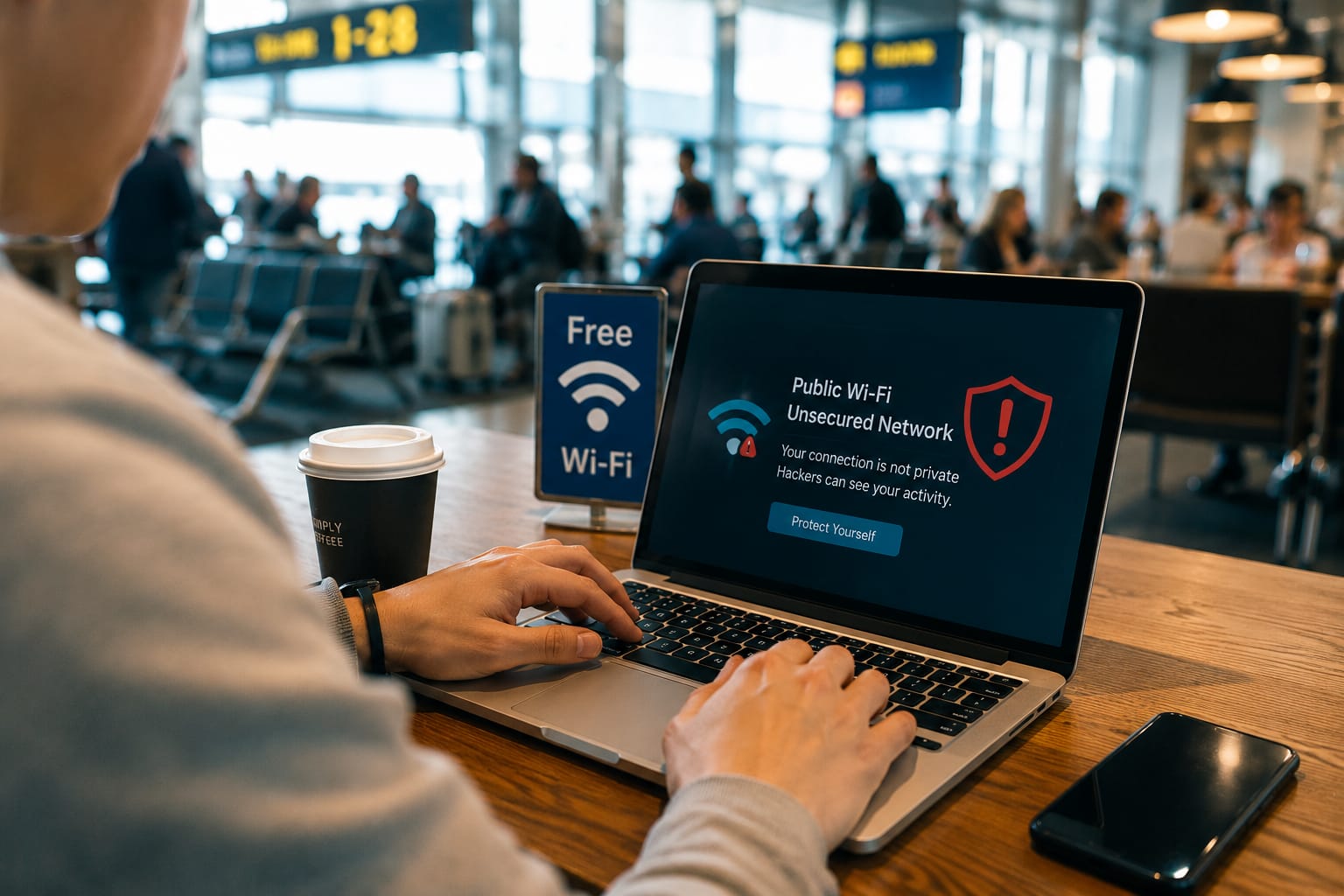
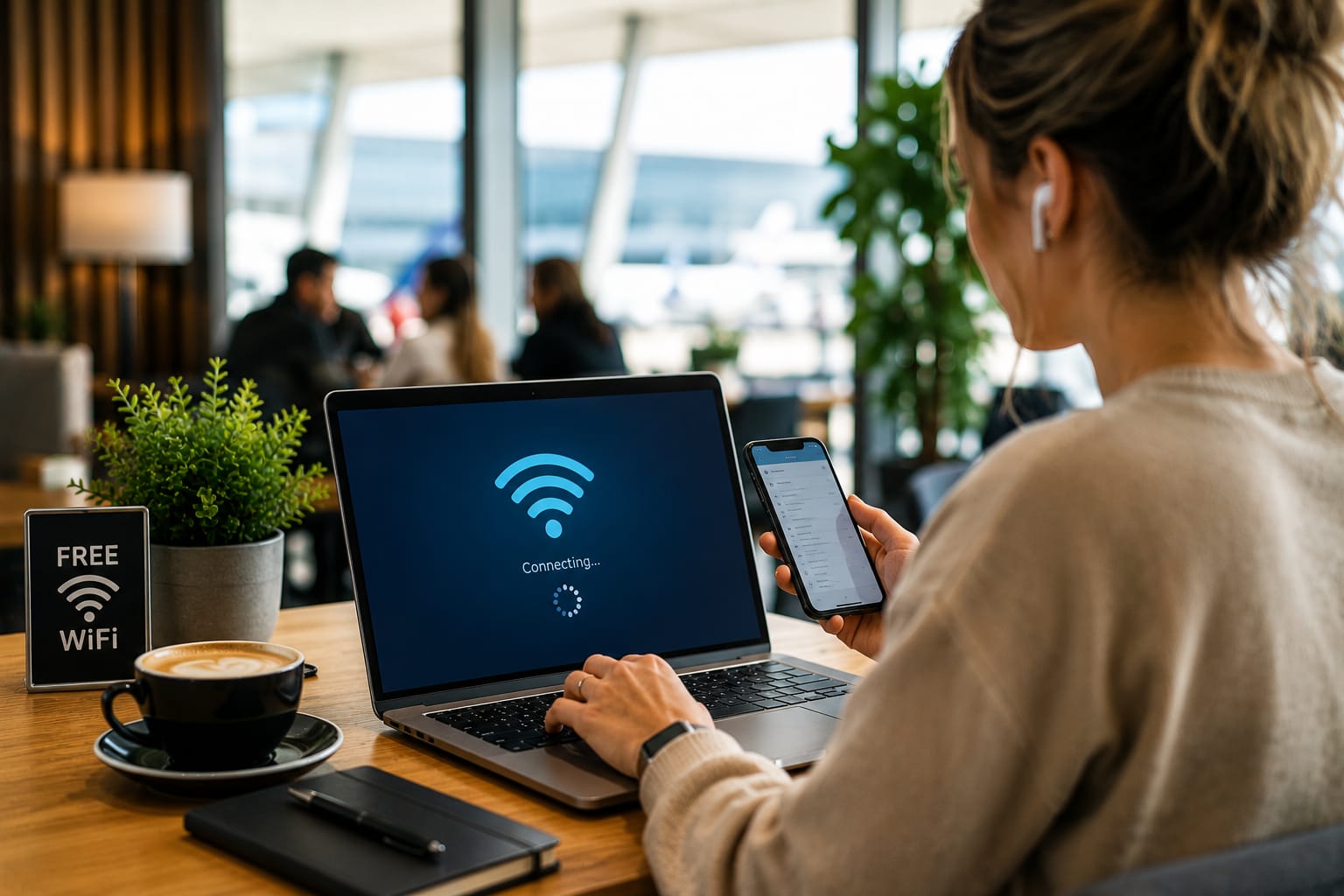
Public WiFi networks offer convenience but can expose users to cybersecurity risks including data theft, fake hotspots, and phishing attacks if proper precautions are not taken.
Free public WiFi is everywhere
You can find it in coffee shops airports hotels shopping malls restaurants and even public transportation
For many people connecting to public WiFi has become a normal part of daily life
It saves mobile data and provides quick internet access when needed
However public WiFi networks can also create serious security risks
Many users connect without thinking about who owns the network how it is secured or who else may be connected
Understanding these risks is important because cybercriminals continue finding new ways to target people using unsecured networks
Here is what you need to know about public WiFi security in 2026 and how to protect yourself
What Is Public WiFi
Public WiFi is an internet connection that anyone can access
Examples include
- Coffee shop WiFi
- Airport WiFi
- Hotel WiFi
- Restaurant WiFi
- Shopping mall WiFi
- Public transport WiFi
While convenient these networks are usually shared by many people at the same time
That makes them attractive targets for cybercriminals
Why Public WiFi Can Be Risky
The biggest problem is that many public networks have weak security
Some networks are completely open and do not require passwords
Others use passwords that are shared with hundreds of visitors every day
This creates opportunities for attackers to monitor activity and collect information
1 Hackers Can Create Fake WiFi Networks
One common scam involves fake hotspots
A cybercriminal creates a network with a name similar to a legitimate one
For example
- Airport Free WiFi
- Coffee Shop Guest
- Hotel Internet
Users connect without checking whether the network is genuine
Once connected attackers may monitor activity or redirect users to fake websites
How to Stay Safe
Always confirm the official network name with staff before connecting
2 Your Data May Be Intercepted
Some public networks lack proper encryption
This means attackers may be able to see information transmitted across the network
Potentially exposed data includes
- Login credentials
- Personal messages
- Browsing activity
- Financial information
How to Stay Safe
Avoid entering sensitive information while using public WiFi
3 Man In The Middle Attacks
In this type of attack a cybercriminal secretly positions themselves between the user and the website being accessed
The attacker can intercept communications without the victim realizing it
How to Stay Safe
Use websites that display HTTPS security protection and avoid accessing sensitive accounts on public networks
4 Malware Distribution
Some attackers use public networks to spread malware
Fake software updates downloads and popups may trick users into installing malicious files
How to Stay Safe
Never download unexpected files while connected to public WiFi
5 Account Theft
Public WiFi networks can sometimes be used to steal usernames and passwords
Once attackers gain access they may attempt to log into other accounts using the same credentials
How to Stay Safe
Use strong unique passwords and enable two factor authentication
Practical Tips For Using Public WiFi Safely
Use A VPN
A Virtual Private Network encrypts your internet traffic and adds an extra layer of protection
Turn Off Automatic Connections
Prevent devices from automatically joining unknown networks
Keep Software Updated
Security updates often fix vulnerabilities that attackers exploit
Avoid Online Banking
Wait until you are using a trusted connection before accessing financial accounts
Log Out When Finished
Sign out of important accounts after use
Signs A Public Network May Be Unsafe
Watch for warning signs such as
- No password protection
- Unusual login pages
- Frequent connection interruptions
- Unexpected popups
- Requests for excessive personal information
If something feels suspicious it is better to disconnect
FAQ
Is public WiFi always dangerous
No but it is generally less secure than a private home or office network
Should I use online banking on public WiFi
It is safer to avoid banking activities on public networks whenever possible
What is the safest way to use public WiFi
Using a VPN and avoiding sensitive transactions significantly improves security
Can hackers really see my information
On unsecured networks attackers may be able to intercept certain types of data
Is mobile data safer than public WiFi
In many situations mobile data provides better security than public WiFi
Conclusion
Public WiFi offers convenience but it also introduces security risks that many people underestimate
Fake hotspots data interception malware and account theft remain common threats in 2026
Fortunately staying safe does not require advanced technical knowledge
By using trusted networks enabling security features and being cautious about what information you share online you can significantly reduce your risk
A few simple precautions can help protect your privacy and keep your personal information secure whenever you connect to public WiFi
About the Author